

AudioPlus – Audio Store WooCommerce Elementor Template Kit
Harga aslinya adalah: Rp50.000.Rp35.000Harga saat ini adalah: Rp35.000.
Diskon 30%Attributes
-
Support and Updates
-
Updates includedPersonalized support not included
- Compatible With
- Elementor Pro, Elementor
- Compatible Versions
- Elementor 3.10.x, Elementor 3.8.x
Alasan berbelanja di Digital Hub Id
- Akses semua Tema
- Akses semua Plugin
- Akses Semua CMS Template
- Akses Semua Web Template
- Template Kits
- File Original
- Unlimited Download
Deskripsi
Ulasan (0)
Deskripsi
| SKU | DHISE-10 |
|---|---|
| Kategori | Shopping & eCommerce, Templates Kits |
| Tag | audio, audio shop, audio store, Electronic, electronic store, gadget, headphones, headset, music, online shop, Shop, speaker, speaker shop, Store, Woocommerce |
Description
AudioPlus is an Elementor Template Kit designed for creating audio store websites. This versatile kit is perfect for any audio-related store, whether you are selling headphones, speakers, audio gadgets, or electronics. Built to work seamlessly with WooCommerce, it allows you to set up a fully functional e-commerce site for your audio products with ease. Whether you’re a start-up or an established business, AudioPlus offers a clean, modern design with over 12 pre-built templates that can be easily customized using the Elementor Page Builder.
This template kit is optimized for use with the free Hello Elementor theme, though it can be used with any Elementor-compatible theme.
Layout Features:
- Modern and professional design
- Built with Elementor Pro and WooCommerce
- 100% responsive and mobile-friendly
- Over 12 pre-built templates
- Easy customization via drag-and-drop
- Template kit built with the Elementor Hello Theme
What’s Included in the Zip:
- Homepage
- About Us
- Archive Blog
- Archive Product
- Error 404
- Single Post
- Single Product
- Cart
- Checkout
- Contact Us
- FAQ
- Login Page
- My Accounts
- Purchase Summary
- Team
- Global Style
- Header
- Footer
Requirements:
- Elementor Pro upgrade is required for some templates and features (not included)
How to Use Template Kits:
- Install and activate the “Envato Elements” plugin from the Plugins > Add New section in WordPress. An Envato Elements subscription is not required to use this plugin.
- Download your kit file (do not unzip it). If you’re using Safari, make sure “open safe files after downloading” is disabled in preferences.
- Go to Elements > Installed Kits and click the “Upload Template Kit” button to import the kit.
- If you have an Envato Elements account, you can link it and automatically import templates by selecting Connect Account.
- After installation, check the orange banner at the top and click “Install Requirements” to load any necessary plugins.
- Start importing templates, beginning with the Global Kit Styles.
- Import individual templates under Elementor > Templates > Saved Templates.
Creating Pages:
- Go to Pages and create a new page, then click “Edit with Elementor.”
- Choose “Elementor Full Width” and hide the page title in the page settings.
- Use the gray folder icon to access the “My Templates” tab and import the page you want to customize.
For customizing headers and footers (if you have Elementor Pro), use the Theme Builder under Templates.
Detailed Guide:
For further support, go to Elementor > Get Help in the WordPress menu.
Images: This Template Kit uses demo images from Envato Elements. You will need to license these images from Envato Elements to use them on your website, or substitute them with your own.
Ulasan (0)
Tinggalkan Balasan
Anda mungkin juga suka

Carveo – Car Rental Elementor Template Kit
Harga aslinya adalah: Rp50.000.Rp35.000Harga saat ini adalah: Rp35.000. Tambah ke keranjang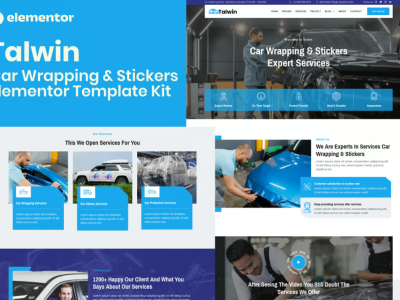
Talwin – Car Wrapping & Stickers Elementor Pro Template Kit
Harga aslinya adalah: Rp50.000.Rp35.000Harga saat ini adalah: Rp35.000. Tambah ke keranjang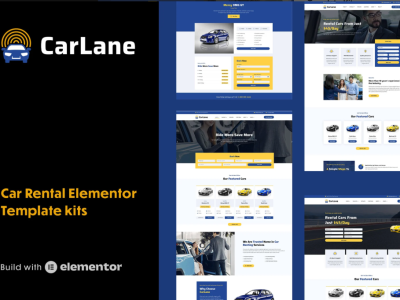
CarLane – Car Rental Elementor Template Kit
Harga aslinya adalah: Rp50.000.Rp35.000Harga saat ini adalah: Rp35.000. Tambah ke keranjang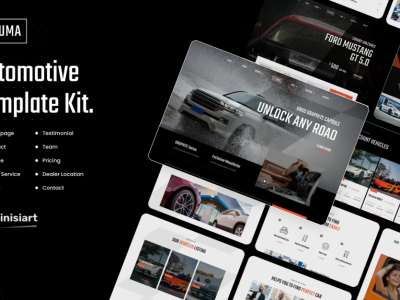
Lafuma – Car Rental & Auto Dealer Elementor Template Kit
Harga aslinya adalah: Rp50.000.Rp35.000Harga saat ini adalah: Rp35.000. Tambah ke keranjang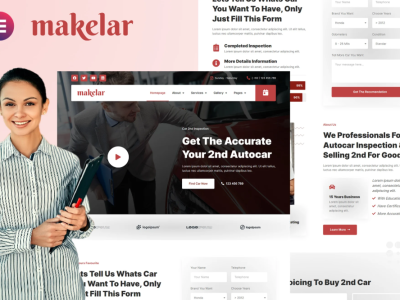
Makelar – Autocar Inspection Services Elementor Template Kit
Harga aslinya adalah: Rp50.000.Rp35.000Harga saat ini adalah: Rp35.000. Tambah ke keranjang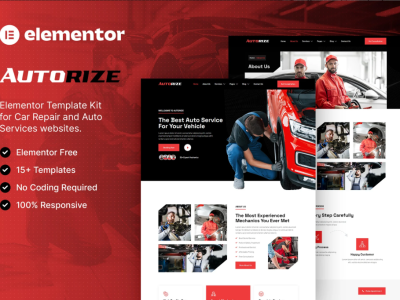
Autorize – Car Repair & Auto Services Elementor Template Kit
Harga aslinya adalah: Rp50.000.Rp35.000Harga saat ini adalah: Rp35.000. Tambah ke keranjang

Ulasan
Belum ada ulasan.